

Appistify · AI-enhanced UI/UX design

AI-Powered UI/UX Design & Development Services

We deliver UI/UX design and development services that combine human-centered UX with AI-driven personalization, so your product looks great and performs even better. From research to AI-powered prototyping to production-ready development, one team handles it all.

AI-enhanced design

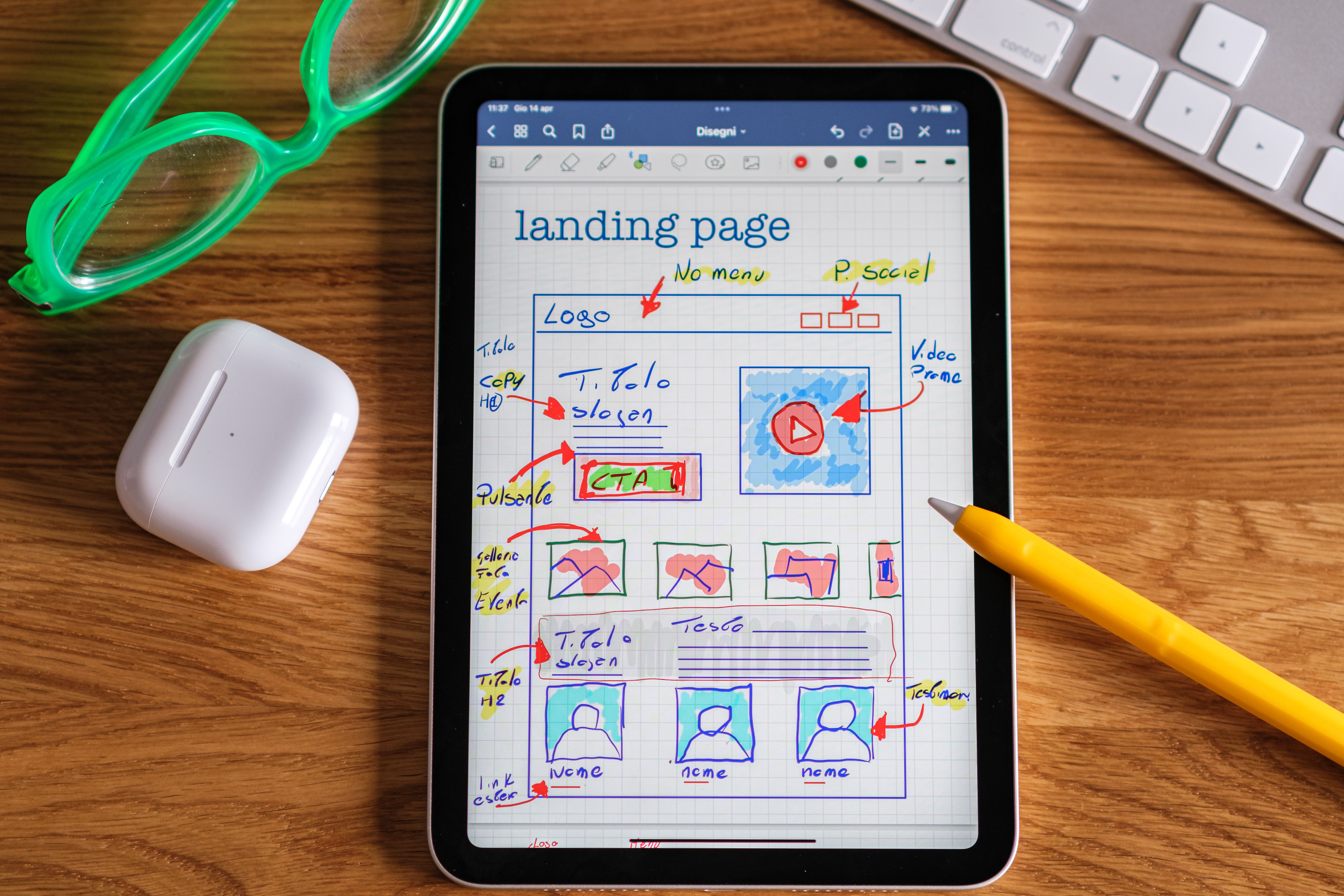
Human-centered design meets AI-assisted research, wireframing, and prototyping - from concept to pixel-perfect frontend code.

150+

Projects Delivered

20+

Countries Served

80+

Active Clients

product-flow.fig
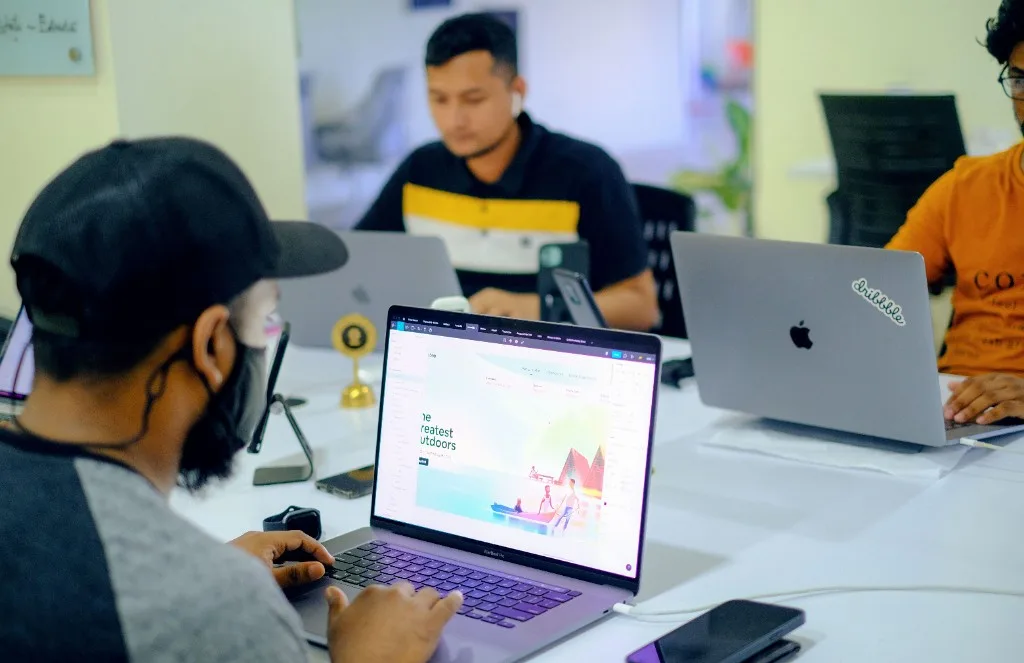
Designer working on UI/UX layouts in Figma during a team design session

Research

Wireframe

Prototype

Services

End-to-End UI/UX Design & Development Services

End-to-end matters here because most studios stop at design files. Appistify's UI/UX design services cover the full path from research and wireframes to a working, coded product, so nothing gets lost in handoff between designer and developer.

Scroll — this section walks you through all services, then continues down the page

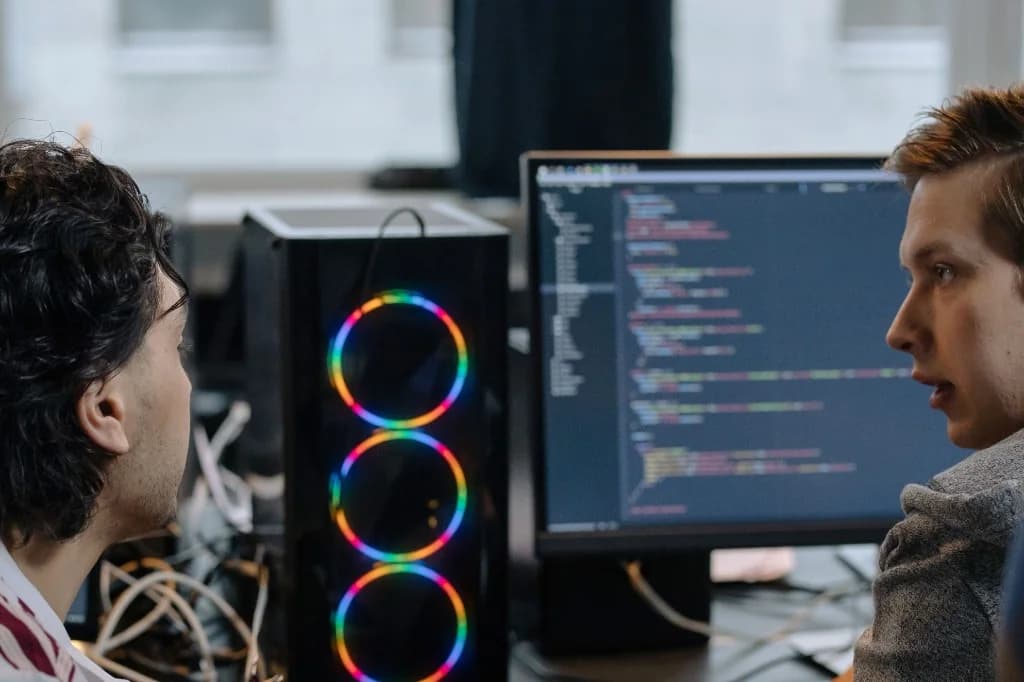
Software team collaborating in a modern tech workspace
01 / 06
Web

Website UI/UX Design

Website design here is treated as a conversion system, not a visual layout. Every page structure, navigation pattern, and content hierarchy is built around how users actually move through a site, so the design supports both usability and SEO performance instead of working against it.

AI-assisted workflow

How AI Makes Our UI/UX Process Faster & Smarter

AI-powered UI/UX design doesn't mean AI replaces designers. It means AI handles the repetitive, data-heavy parts of the process so designers can spend their time on judgment calls that actually need a human — like interpreting why users behave a certain way, not just what they did.

Scroll — this section walks you through each AI workflow step

Software team collaborating in a modern tech workspace
01 / 05
Step 01 · Research

AI Research

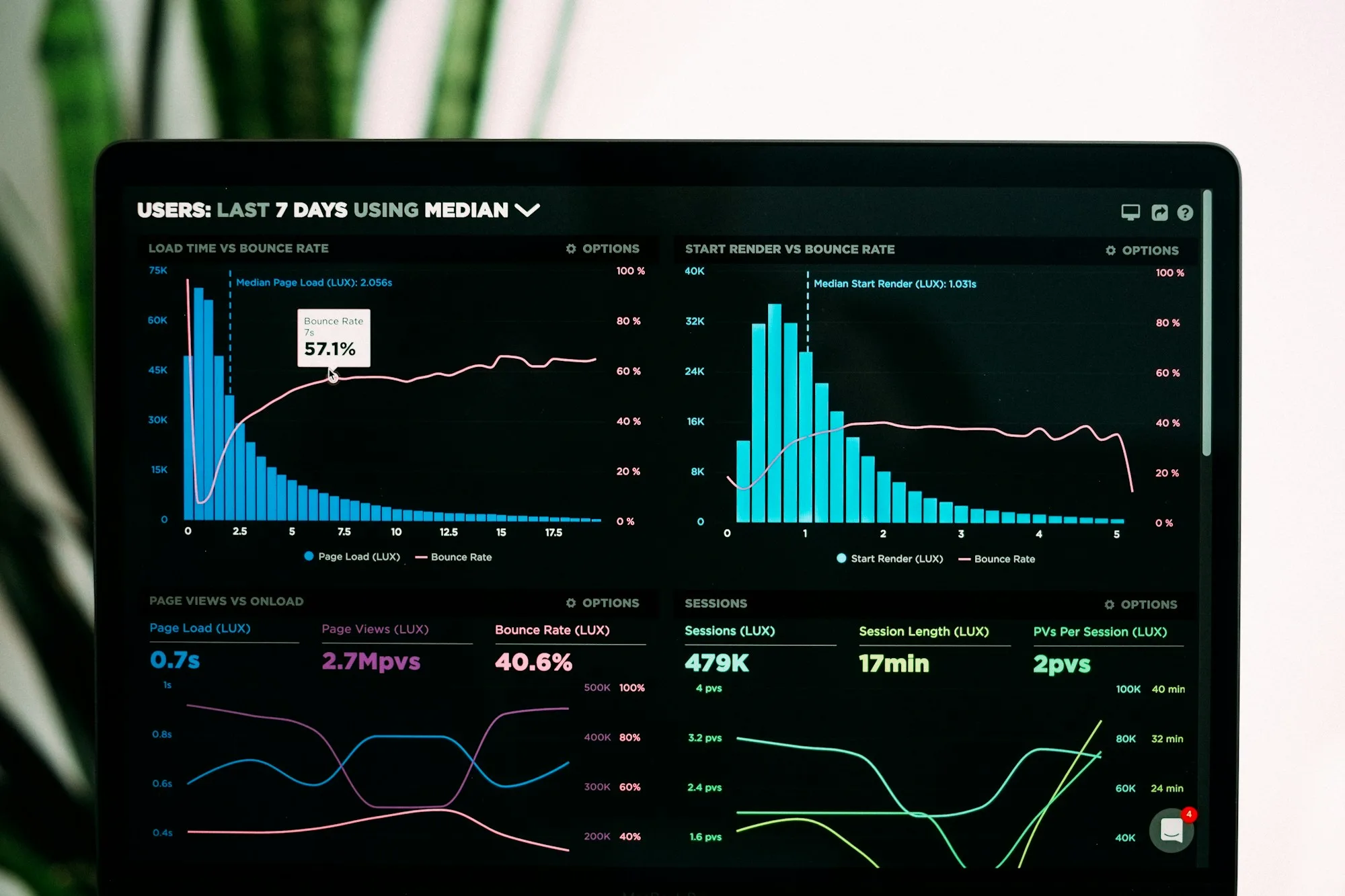
AI tools scan user behavior data, support tickets, survey responses, and session recordings to surface patterns that would take a researcher days to find manually. Insights are ready while the findings are still relevant.

Not sure where AI fits into your design process?

Tell us what you're building, and we'll show you exactly where AI can save time without cutting corners on quality. Quick call, real answers, no commitment.

Talk to Our Team

Our process

Our UI/UX Design & Development Process

A process only earns trust when it's predictable. Each stage below ends with a checkpoint — something tangible the client reviews and approves — so nothing moves forward on assumptions alone.

Scroll — walk through each stage in order, then continue down the page

Journey progress

01 of 09 stages complete in view

11%
01
Discover — Appistify UI/UX design process
Stage 01Discover

Discover

Shared brief & success metrics

Business goals, target users, and competitive context get mapped out before any design decision is made. This stage ends with a shared brief and success metrics both sides agree on.


UX research

UX Research & Product Strategy That Builds Better Products

UX Research turns design decisions from guesses into evidence. Without it, every choice — from navigation labels to button placement — is based on opinion, and opinions inside a project team rarely agree.

This isn't a screenshot comparison. It's identifying which interaction patterns users already expect from similar products, and where every competitor in the space has left a gap unsolved. That gap is usually where the real differentiation opportunity sits.

UX research and user journey mapping workshop

Evidence-led

Personas, journey maps & IA validated before pixels

Conversion-focused UI

Modern UI Design for Better Conversions

Modern UI design isn't just about following current visual trends. It's about building interfaces where every visual decision — color, spacing, typography — also serves a conversion goal.

Software team collaborating in a modern tech workspace

Active focus

Visual Design & Visual Hierarchy

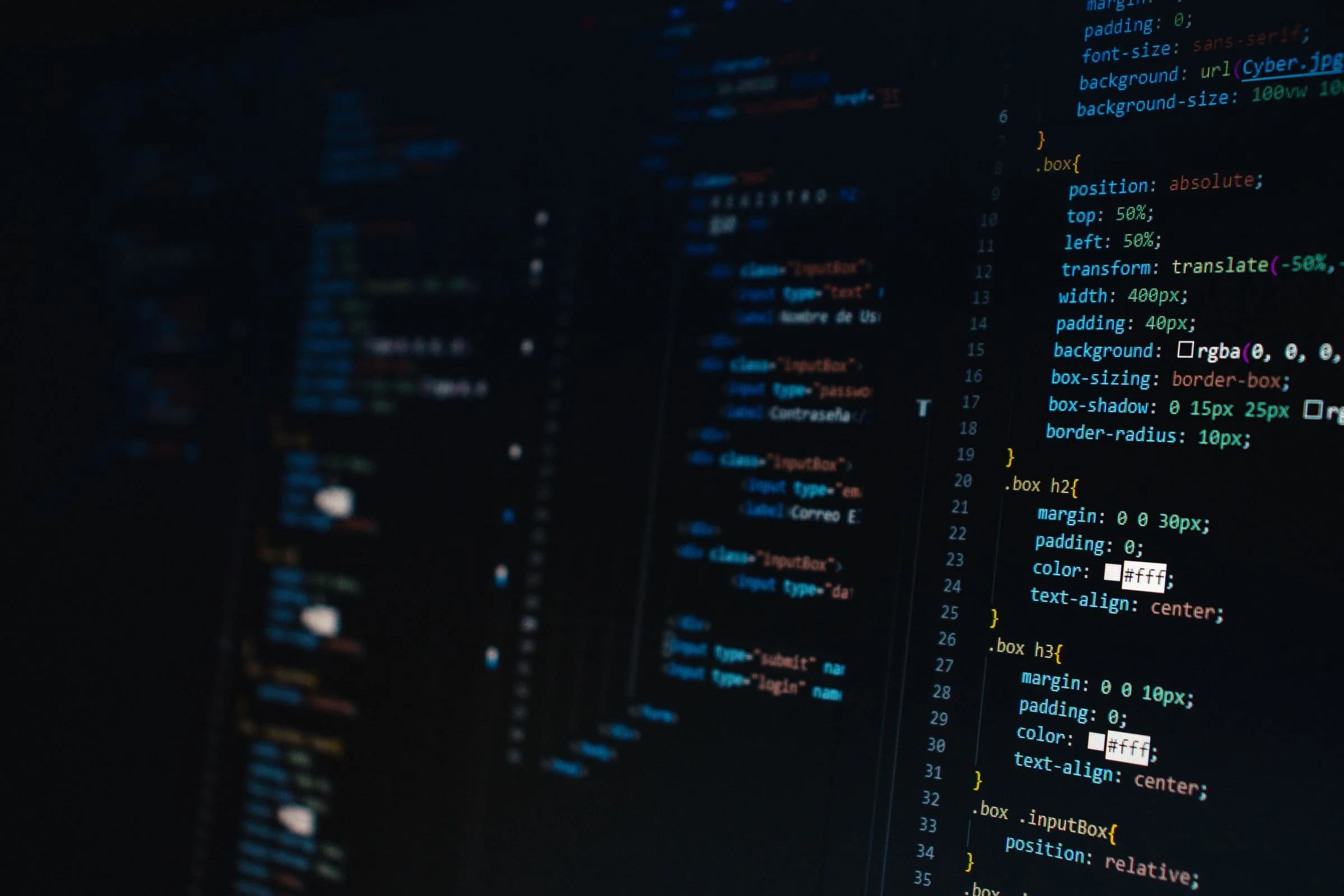
Frontend development translating UI designs into production code

// pixel-perfect handoff

export function ProductScreen() {

return <DesignSystem/>;

}

Development

From Design to Pixel-Perfect UI/UX Development

UI/UX development is where design intent either survives or gets lost. Frontend development here means building every screen with component-based development, so each element matches the design system exactly, while staying fully responsive across devices and optimized for speed.

Component-basedResponsivePerformance-firstDesign-system aligned
Get a Free Technical Review

AI vs traditional

AI UI/UX Design vs Traditional Design Process

The difference between AI UI/UX design and a traditional process isn't about quality — it's about speed and the volume of data each approach can actually work with. AI-powered product design doesn't skip steps; it compresses the time-heavy ones so more decisions get validated before development begins.

StageTraditional UI/UX AI-Enhanced UI/UX
TimeLonger timelines due to sequential, manual handoffs between stagesFaster delivery as AI compresses research, prototyping, and iteration cycles
ResearchManual analysis of surveys and interviews, often taking weeksAI analyzes behavioral data and patterns in days
IterationsLimited design variations due to time and resource constraintsMultiple layout and design options generated and refined quickly
TestingUsability testing limited to small sample groupsAI-driven analysis detects friction points across larger interaction datasets
DevelopmentManual design-to-code handoff, prone to inconsistenciesComponent-based development guided by design systems, reducing handoff errors
OptimizationPeriodic redesigns based on scheduled reviewsContinuous optimization based on real-time usage data

Industries

UI/UX Design Solutions Built for Every Industry

A fintech dashboard and a healthcare patient portal solve completely different problems, even though both are technically "interfaces." Industry context changes what good UX actually means.

Scroll — explore UI/UX solutions tailored to each industry

Software team collaborating in a modern tech workspace
01 / 10
Healthcare

UX built for healthcare

Healthcare UI design balances clinical complexity with usability for both patients and providers, while staying compliant with accessibility and data privacy standards like HIPAA.

Why Appistify

Why Businesses Choose Appistify

Businesses choose Appistify when they need design and development under one roof — with AI accelerating the work, not replacing the craft.

Hover or tap a card to read each advantage

Business impact

Business Benefits of Great UI/UX Design

Good UI/UX isn't a cost center — it's a lever that shows up directly in business metrics. Each benefit below comes from a specific design decision, not a vague promise.

Higher Conversions

Clear visual hierarchy and reduced friction guide users toward the action that matters. Even small interface changes at key decision points often produce measurable lifts in conversion rate.

Lower Bounce Rate

Users leave within seconds when a page feels confusing or slow to make sense of. Strong information architecture and clear navigation give them a reason to stay.

Better Retention

Retention depends on users continuing to find value easily. Consistent, predictable interactions reduce the relearning effort that quietly pushes users toward switching.

Improved Engagement

Engagement increases when interactions feel responsive and purposeful. Thoughtful interaction design encourages users to explore deeper into a product.

Faster Onboarding

A simplified first-use experience gets users to their first meaningful action faster — critical for SaaS and app products where early drop-off happens before value is demonstrated.

Lower Development Cost

Design systems and well-documented handoffs prevent developers from rebuilding the same components repeatedly, which directly cuts development time and long-term maintenance cost.

Toolkit

Design & Development Technologies We Use

UI/UX Design

FigmaAdobe XD

Prototyping

FigmaFramerAdobe XD

Frontend Development

ReactNext.jsTailwind CSS

AI-Powered Design

UizardGalileo AIFigma AI
FAQ

Frequently Asked Questions About AI-Enhanced UI/UX Design

Everything you need to know about AI-enhanced UI/UX design and development services — from timelines and cost to deliverables and how AI fits into the process.

Ask our team

AI-enhanced UI/UX design combines traditional design expertise with AI tools that speed up research, wireframing, prototyping, and testing. The AI handles repetitive, data-heavy tasks, while designers still make every judgment-based decision — so quality doesn't drop even as delivery speeds up.

Get started

Let's Build an AI-Enhanced Digital Experience

Most projects start with a short conversation, not a contract. Tell us about your product, and we'll show you exactly where design and AI can move the needle — no pressure, no generic sales pitch.

Request your free AI marketing strategy

Tell us about your business — we will respond with a tailored plan and next steps.